
Explore the ExamRoom.AI Admin User Guide Section
To access the full range of user guide articles, log in to the Admin platform and follow the steps below. Once logged in, you can explore these resources through the Self-Help Guides or by selecting the User Guide option available in the Self-Help section.
How to Access the User Guides:
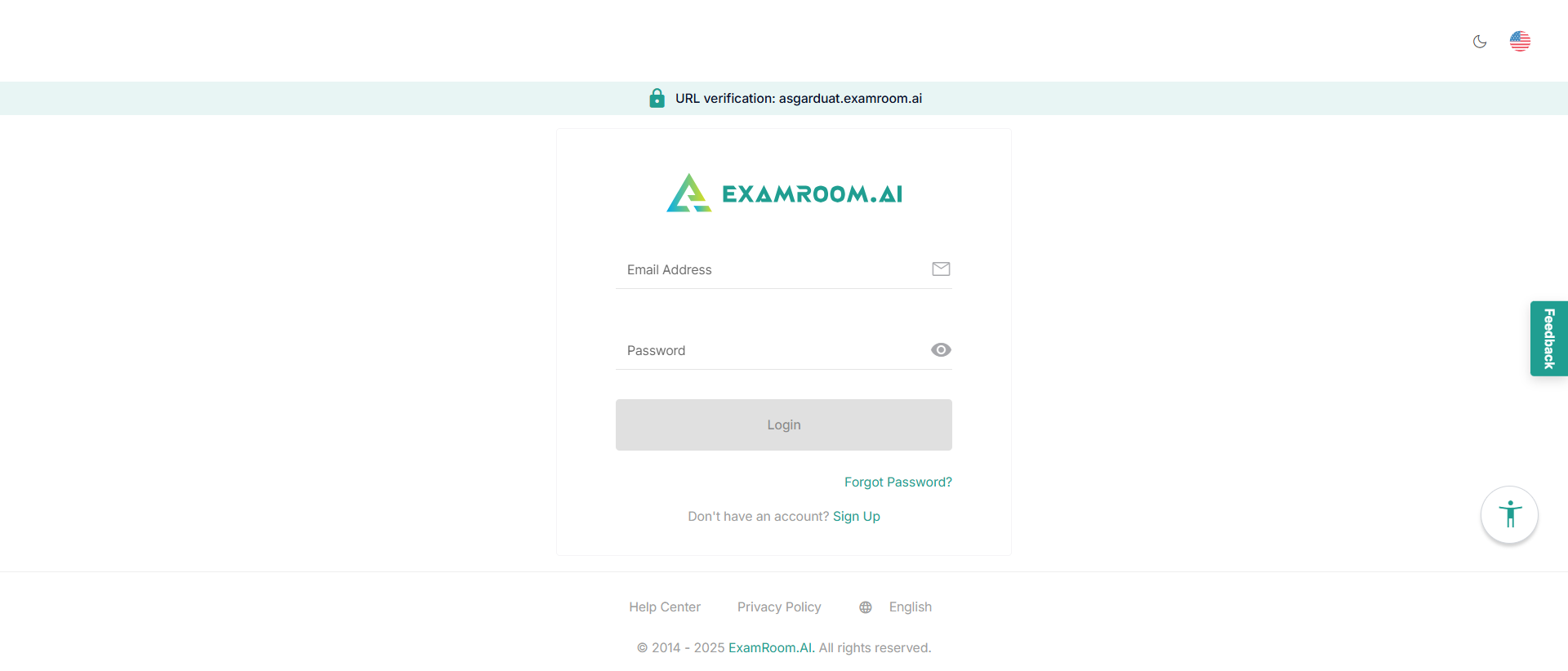
- Log in to the ExamRoom.AI Admin Platform using the following link: Admin
- Click the Self-Help icon located in the top-right corner of the header.
- Scroll down and click the User Guide option to view all available self-help guides.
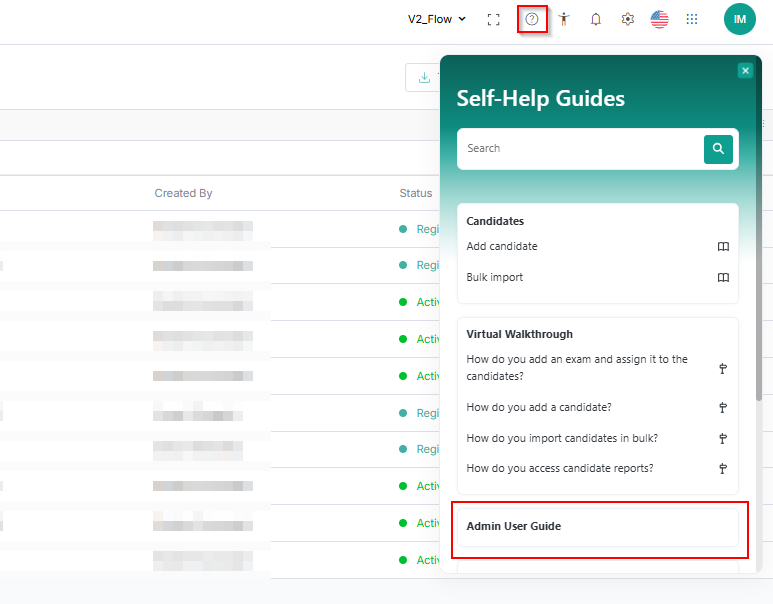
Alternatively, use the search bar in the Self-Help section to quickly locate specific user guide articles.
Click the links below to log in to your Admin account to get access to the articles.